Team members and roles
How to invite colleagues, what an owner, administrator, member and viewer may do, how to change a role, and what to do about an expired invitation.
Several people can work in one workspace, each with their own account. A role decides what a person may do. Owners and administrators manage the members on the page Settings, in the section Members.
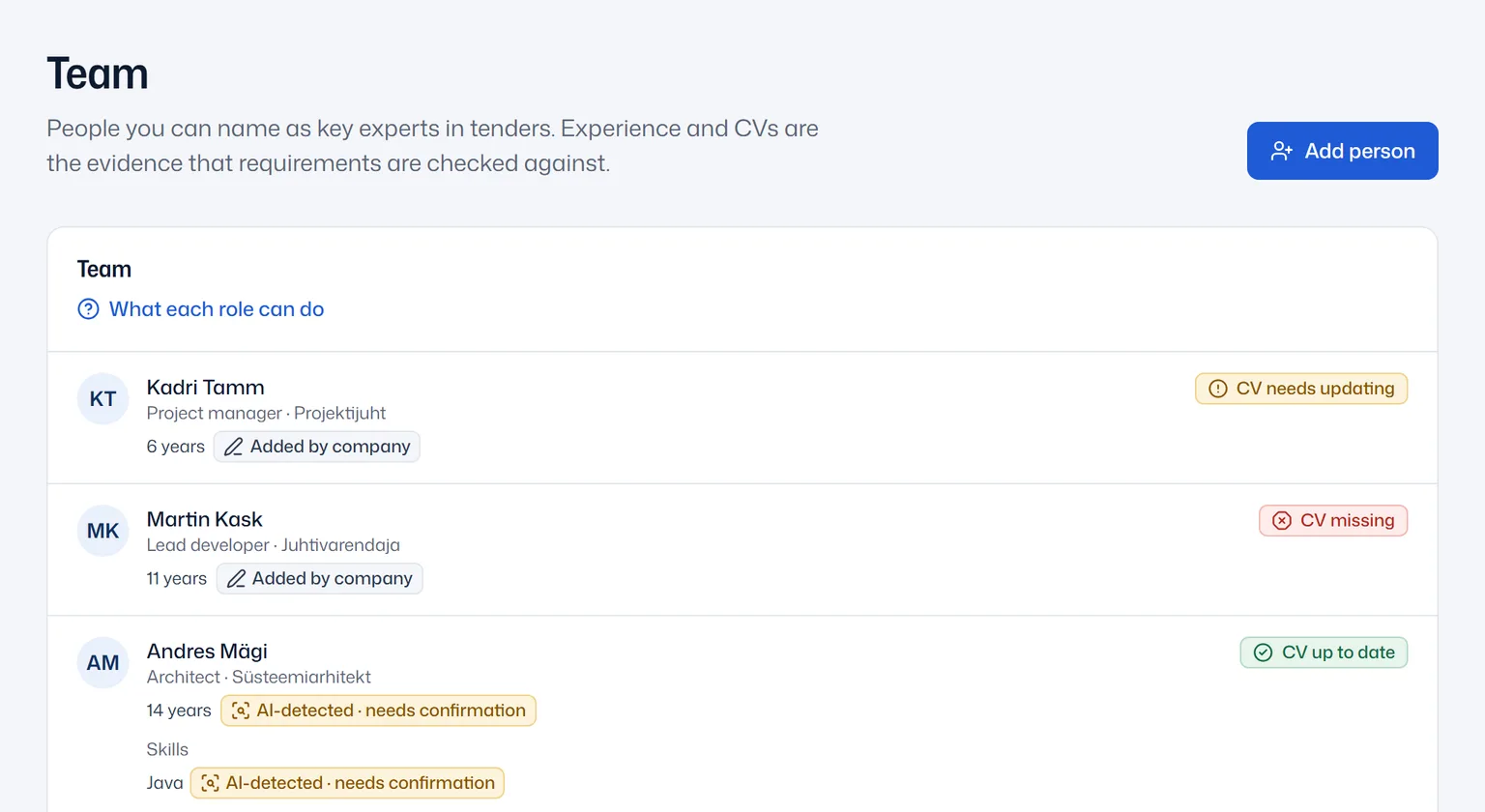
Roles
- Owner. May do everything. Only an owner can make someone an owner or change another owner's role. An organization always has at least one owner.
- Administrator. Invites and removes members, changes roles and settings, manages the plan, deletes documents and verifies the workspace. Also everything a member does.
- Member. Does the everyday work: completes the company profile, uploads documents, reviews requirements, and prepares bids, projects and applications.
- Viewer. Sees everything in the workspace and changes nothing.
Inviting a colleague
- Open Settings and find the block Invite a person in the section Members.
- Enter the colleague's email address and choose a role. An invitation cannot give the owner role: an owner gives it later.
- Press Invite. Hankevo shows the invitation link.
- Press Copy and send the link to your colleague yourself. The link is shown only once, and Hankevo does not email it.
- The colleague opens the link, signs in or creates an account with the same address, and presses Join the organization.
“The invitation works only for the given email address and expires in 7 days.” Invitations that are still open are listed in the same section under Open invitations.
Changing a role and removing a member
Choose the new role on the member's row and press Save. You cannot change your own role. Remove takes away the member's access at once; you can invite them again later. To leave yourself, use Leave the organization at the end of the section. The only owner cannot leave before making someone else an owner.
When an invitation has expired
The colleague sees the message “This invitation has expired. Ask the person who invited you for a new one.” Invite the same address again: the expired invitation is replaced and you get a new link. If the invitation is still valid but the link was lost, press Withdraw on its row and invite again.
Common obstacles
- The invitation does not open. An invitation works only for the address it was made for. Your colleague has to be logged in with that address, and the address has to be confirmed.
- A member who can edit cannot be added. When the plan's places are taken, Hankevo says so. Viewers take no place.
- You do not see the invitation block. Only owners and administrators manage the members.
Last checked October 19, 2026