What you can do here and what you cannot
An overview of what Hankevo does for your company, who it is for, and what always stays a person's decision.
Hankevo helps a small company find public tenders and grants, see what fits and what stands in the way, and prepare a bid or an application. A person always decides and submits.
Who it is for
A company where tenders and grants are handled by the owner, a salesperson or an office manager alongside their other work. You need no earlier experience with procurement: these guides explain the terms, and Hankevo shows where each requirement and each fact comes from.
What Hankevo does
- Reads public sources. Tenders come from the Estonian public procurement register and TED, funding calls from the funding sources. A list says when its source was last read, or that it has not been read yet.
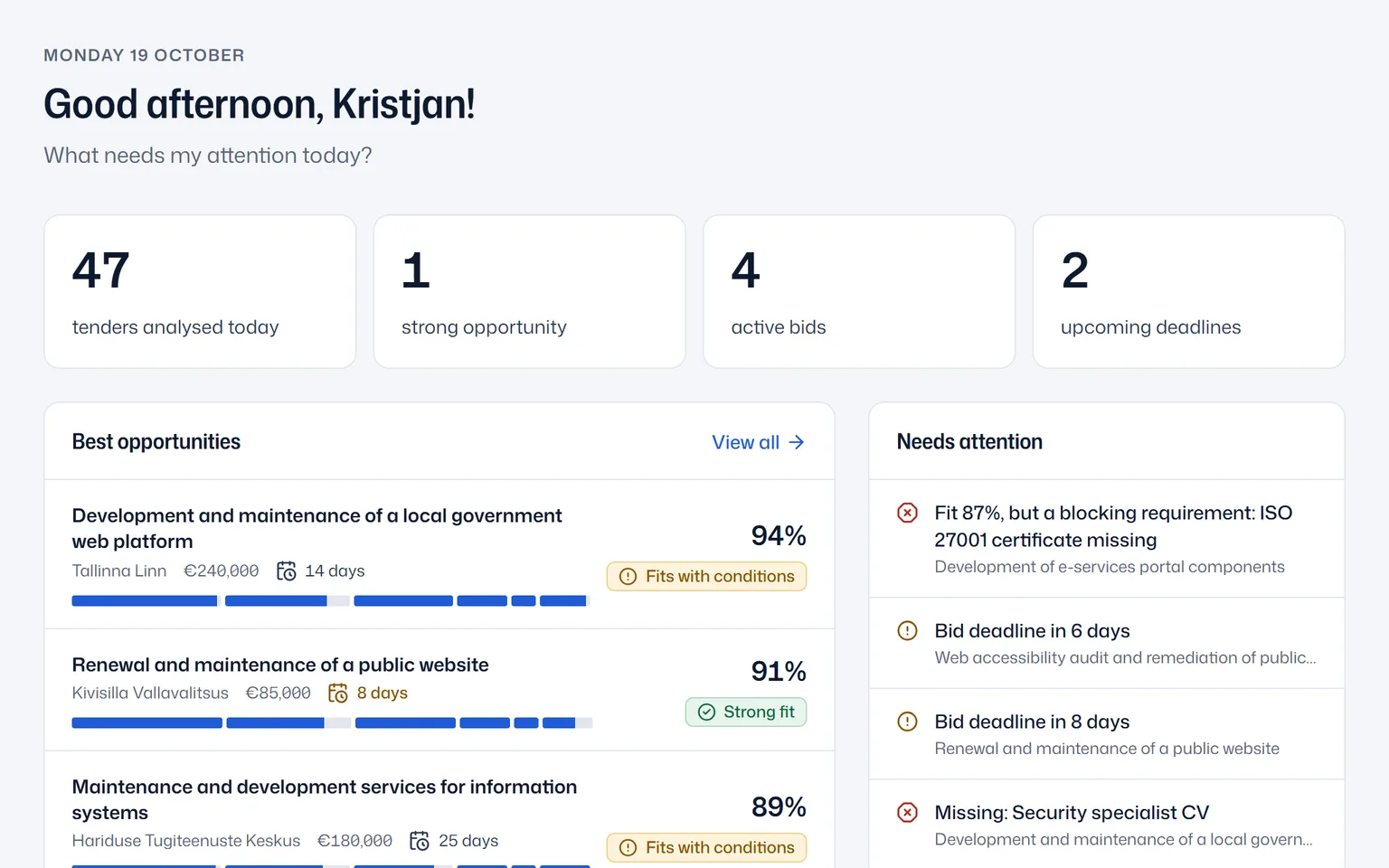
- Compares them with your company. The basis is the Company profile: Business Register (Äriregister) data, services, references, certificates and people. The result is on Opportunities, each match with its reason.
- Brings out the requirements. A tender's page lists its conditions with the place each comes from, and says whether your company meets them, does not meet them, or has something to confirm.
- Recommends and explains. The recommendation on whether to take part rests on fit and on the requirements. Blocking requirements always come first.
- Helps you prepare. Bids and Applications keep tasks, documents and drafts together.
- Reminds you. The bell tells you about new matching opportunities and approaching deadlines.
What Hankevo does not do
- It submits nothing for you. You submit a bid yourself in the procurement register or the system the buyer names, and a grant application in the funder's system.
- It does not decide for you. A recommendation is an aid, not a decision.
- It promises no result. A good fit does not mean you win the tender or receive the grant. An empty list does not always mean that nothing fits.
- It does not invent data. Where evidence is missing, Hankevo says so and waits for your answer.
- It gives no legal or tax advice. Always read the conditions of a tender or a call in the official source.
Where to start
- Find your company on the home page and look at the free preview.
- Create an account and an organization.
- Fill in the profile: services and sectors, then references, certificates and people.
To look around first, read about demo data and real data.
Last checked October 19, 2026